

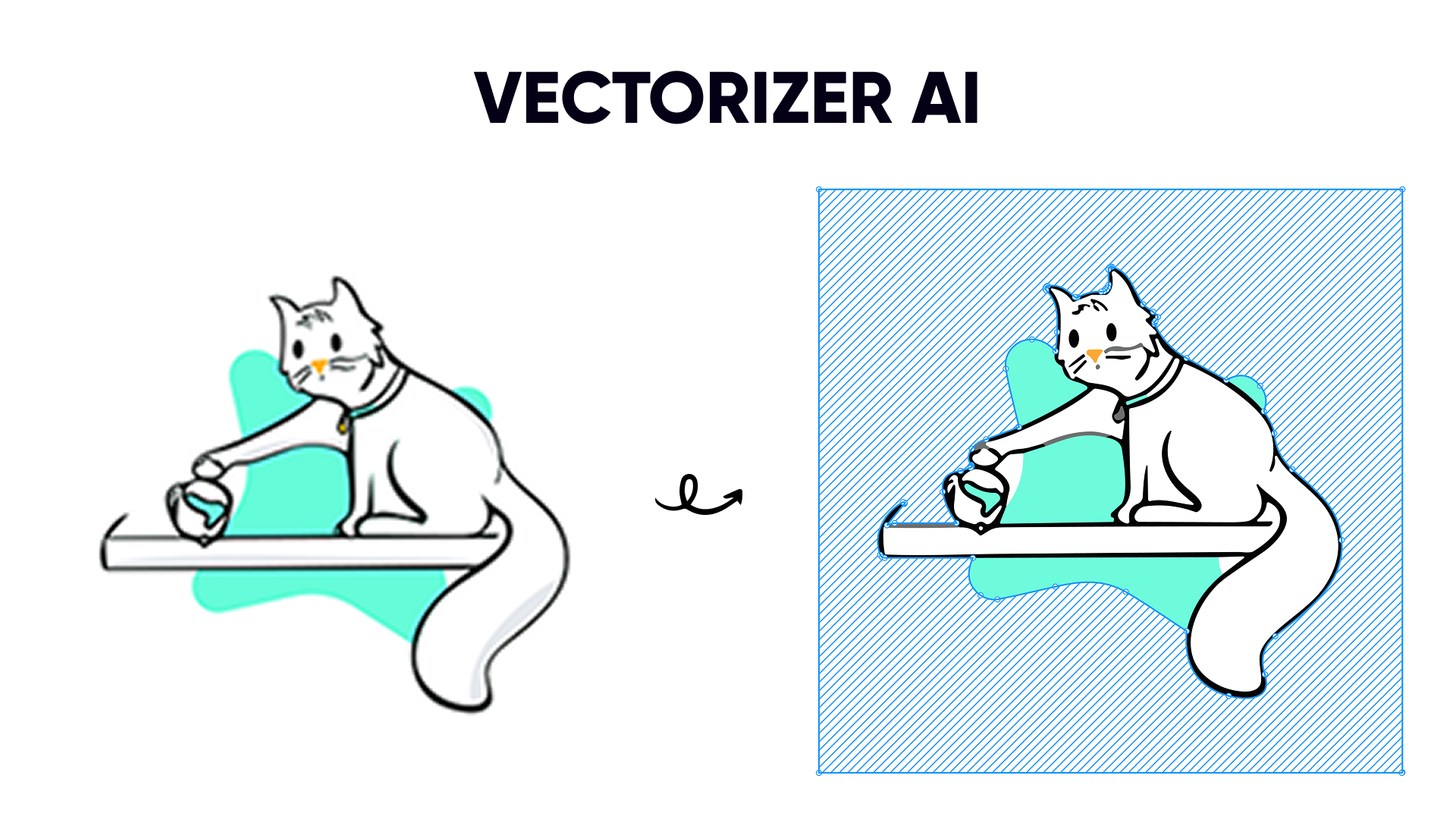
Turn Any Image into Perfect Vectors
Vectorized (AI Vectorizer) - Image Tracer uses advanced AI technology to convert photos, logos, and illustrations into crisp, editable SVG vectors—without ever leaving Figma.Smart Presets
One-click optimization for logos, illustrations, line art, and complex artwork
Instant Preview
See results before spending credits with HD preview mode (only 2 credits)
Pro Controls
Fine-tune quality, detail, colors, and style for pixel-perfect results
Get Started in Minutes
Quick Start Guide
Complete your first vectorization in 5 minutes →
Why Vectorize Your Images?
🔍 Scale Infinitely Without Quality Loss
🔍 Scale Infinitely Without Quality Loss
Vector graphics remain perfectly crisp at any size—from tiny mobile icons to massive billboard prints. No more pixelation when you zoom in or scale up. Perfect for responsive designs, multi-device support, and high-resolution displays.Use cases: Logo systems, icon libraries, scalable UI components, print materials
✏️ Fully Editable in Figma
✏️ Fully Editable in Figma
Once converted, your SVG becomes a native Figma vector. Modify colors, adjust shapes, edit paths, and apply Boolean operations—all with Figma’s powerful vector editing tools. No need to go back to the original bitmap.Unlock: Color customization, shape modification, component creation, design system integration
📦 Dramatically Smaller File Sizes
📦 Dramatically Smaller File Sizes
SVG files are typically 5-10x smaller than PNG equivalents, leading to faster page loads, reduced bandwidth usage, and better performance across your designs and websites.Benefits: Faster prototypes, quicker exports, improved web performance, lower storage costs
🎨 Design System Ready
🎨 Design System Ready
Vectorized assets integrate seamlessly into your component libraries. Create color variants, swap instances, and maintain consistency across your entire design system.Perfect for: Component libraries, design tokens, brand assets, reusable UI elements
♿ Accessibility & SEO Benefits
♿ Accessibility & SEO Benefits
SVGs support alt text, can be indexed by search engines, and scale perfectly for users with visual impairments who need to zoom in. Better for everyone.Advantages: Screen reader support, searchable content, responsive accessibility, semantic markup
Powered by Industry-Leading Technology
View Pricing
Flexible credit packages starting at just $4
See Examples
Real-world use cases and pro tips
Perfect For Every Use Case
- Designers
- Product Teams
- Developers
- Agencies
Convert client assets, stock images, and hand-drawn sketches into editable vectors
- Clean up low-resolution logos
- Vectorize illustration references
- Transform scanned sketches
- Create scalable icon sets
Ready to Get Started?
Install Vectorized (AI Vectorizer)
Add Vectorized (AI Vectorizer) to your workspace now
View Documentation
Follow our step-by-step installation guide
New to vectorization? No problem! Our Quick Start Guide walks you through your first conversion in just 5 minutes.
Frequently Asked Questions
How much does it cost?
How much does it cost?
Vectorized uses a credit-based system. Preview costs 2 credits, full conversion costs 10 credits. Credit packs start at $4 for 100 credits (~10 conversions). No subscription required. View pricing details →
Is my design data safe?
Is my design data safe?
Absolutely. We never store your design files. Images are sent to Vectorizer.ai for processing and immediately deleted after conversion. No training on your data, no third-party sharing. Read privacy policy →
What image formats are supported?
What image formats are supported?
The plugin works with any Figma node containing an image fill, including PNG and JPG formats. Works with imported images, pasted screenshots, and drag-and-dropped files.
Can I try before buying credits?
Can I try before buying credits?
Yes! Install the plugin for free and explore all the settings. You’ll need credits to perform actual conversions, but you can see the interface and select presets. We recommend starting with the Starter Pack ($4 for 100 credits) to test on a few images.
What if I'm not happy with the result?
What if I'm not happy with the result?
Use the HD Preview feature (only 2 credits) to test settings before the full conversion. You can adjust presets and parameters, preview again, and only convert when you’re satisfied. Learn optimization tips →
Need Help?
Visit our comprehensive FAQ and troubleshooting guide